How to List Your Business on Eatlaza

Today, we will explain how you can list your business on Eatlaza.
If you are not familiar with Eatlaza, it is a platform that allows you to list your business without creating a personal website or mobile app and start completely free.
On this platform, you can easily set up and integrate everything needed for your business, such as:
- Payment gateway
- Courier service
- Delivery charges
- Packaging fees
- Delivery zones
- Coupon offers, etc.
Step 1: Download the Eatlaza App
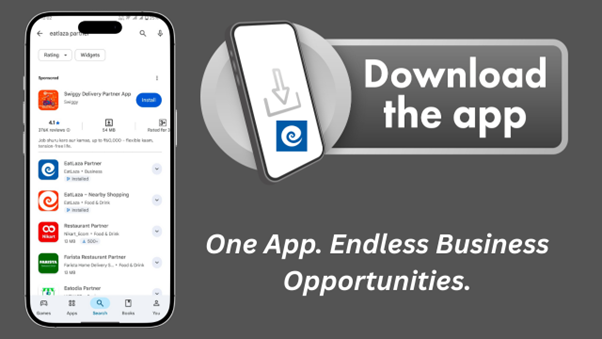
First, search for EATLAZA on the Play Store and install the Eatlaza Partner App.
After opening the app, you can log in using your Google account or by entering your email ID.
Step 2: Select Your Business Type
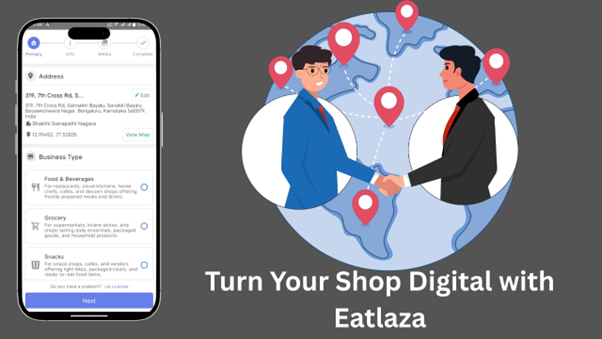
After logging in, first check whether your address is detected correctly or not.
Then, select your business type, such as:
- Fashion & Accessories
- Food & Beverages
- Grocery
- Snacks
- Hardware & Tools
- etc.
Step 3: Choose the Right Pricing Model
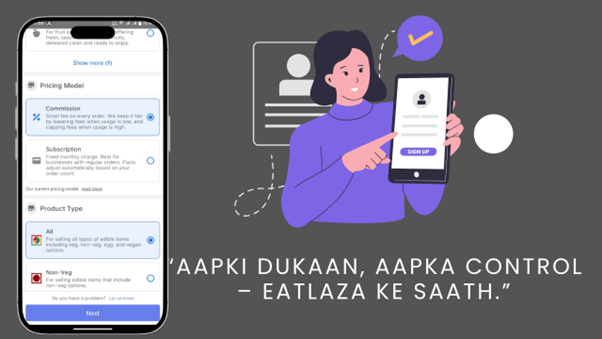
If you choose the subscription plan, the first 30 orders every month are completely free.
After that, charges will apply according to the price chart below:
| Plan | Price | Orders |
| free | $0 | 30 |
| base | $10 | 31 – 100 |
| standard | $15 | 101 – 150 |
Step 4: Select Product Category
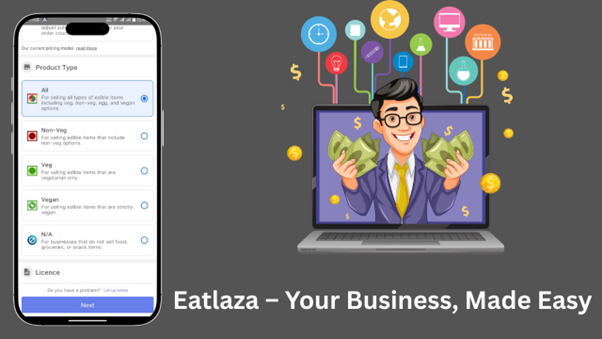
If you want to list veg, non-veg, or vegan products, select the appropriate category.
If you are listing electrical items or fashion-related products, choose their respective categories accordingly.
Step 5: Upload Business Licence
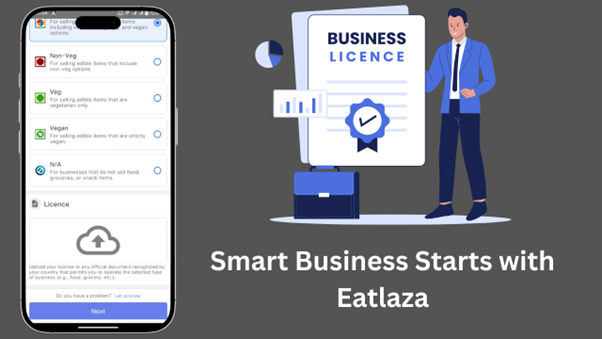
Upload any of the following documents:
- FSSAI licence
- GST certificate
- Any other valid business proof
After uploading, click on Next.
Step 6: Enter Business Details
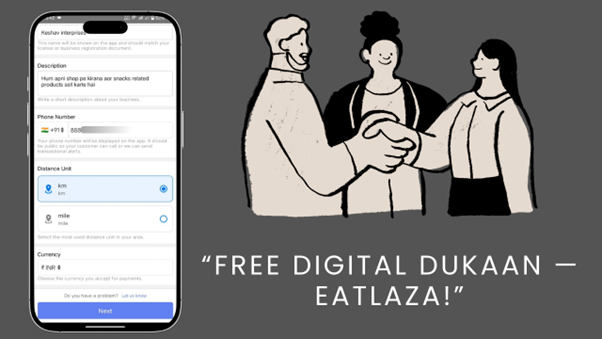
Enter your:
- Business name
- Business description
- Phone number
Step 7: Upload Shop Logo and Images
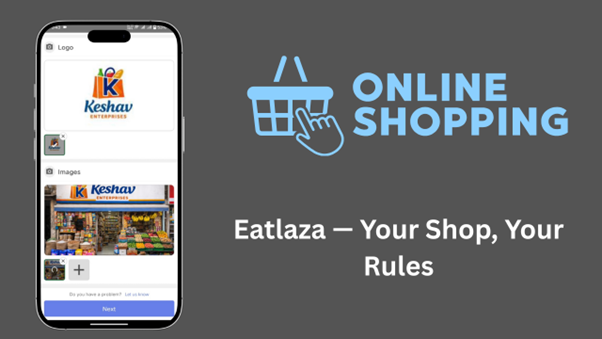
Upload your shop logo and shop images.
Step 8: Send for Review
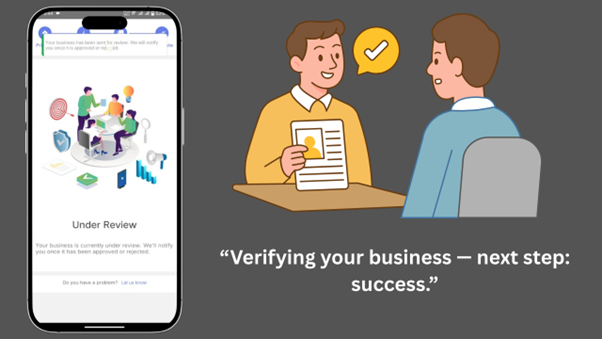
Click on Send for Review.
Once all steps are completed, your application will go under review.
You will receive approval within 24 to 48 hours.
After approving your business, the next few optional steps.
Step 9: Update Business Hours
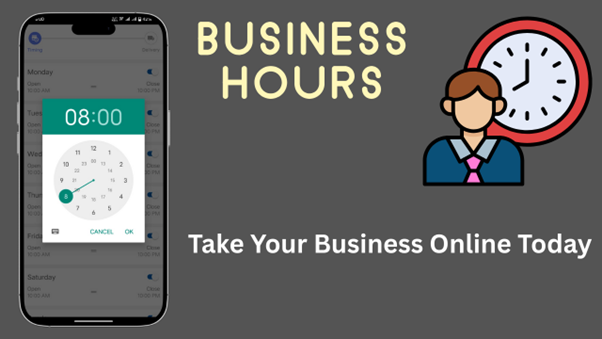
Select the time when you want to keep your shop online, and also choose the days when your shop will remain closed.
After setting this once, the application will automatically manage your shop’s online and offline status.
This step is very important, as your business will appear online only if it is set correctly.
Step 10: Set Delivery config
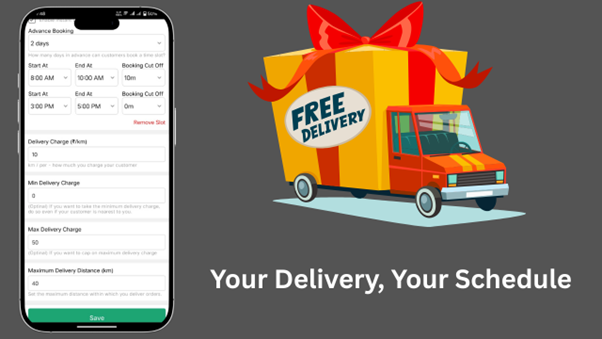
If you handle your shop alone and are not comfortable delivering orders instantly, you can select:
- Delivery slot option, or
- Advance booking option
This allows you to create one or two delivery slots per day, according to your convenience.
It helps you deliver orders comfortably and manage your business smoothly.
Now all set, you can manage your business from the business tab.
Step 11: Manage Your Business
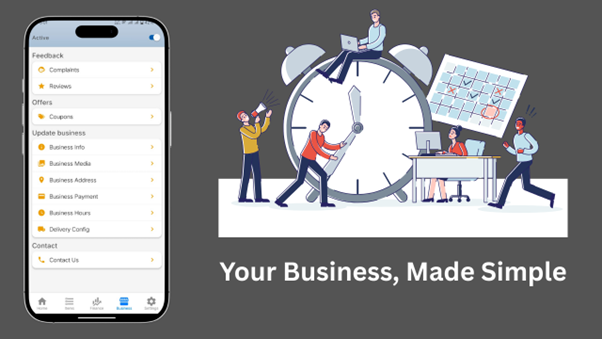
After setup, you can easily manage your business, orders, delivery, and payments directly through the Eatlaza app.